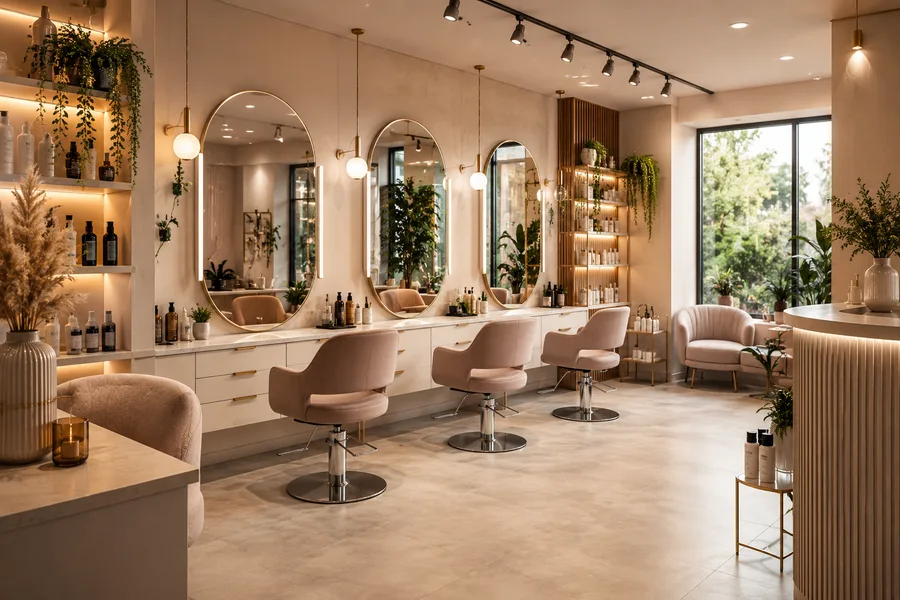
Business QR code
Each business has a unique link, also available as a QR code. Display it at reception, on a table or in your materials.
Customers scan it in Book to open your profile, see services and book.
Scan→View business→They book

Salons · Clinics · Restaurants · Auto repair
An intelligent ecosystem that connects businesses with customers, simplifies bookings and automates telephone reception.
No card required to sign up. We help you get set up.
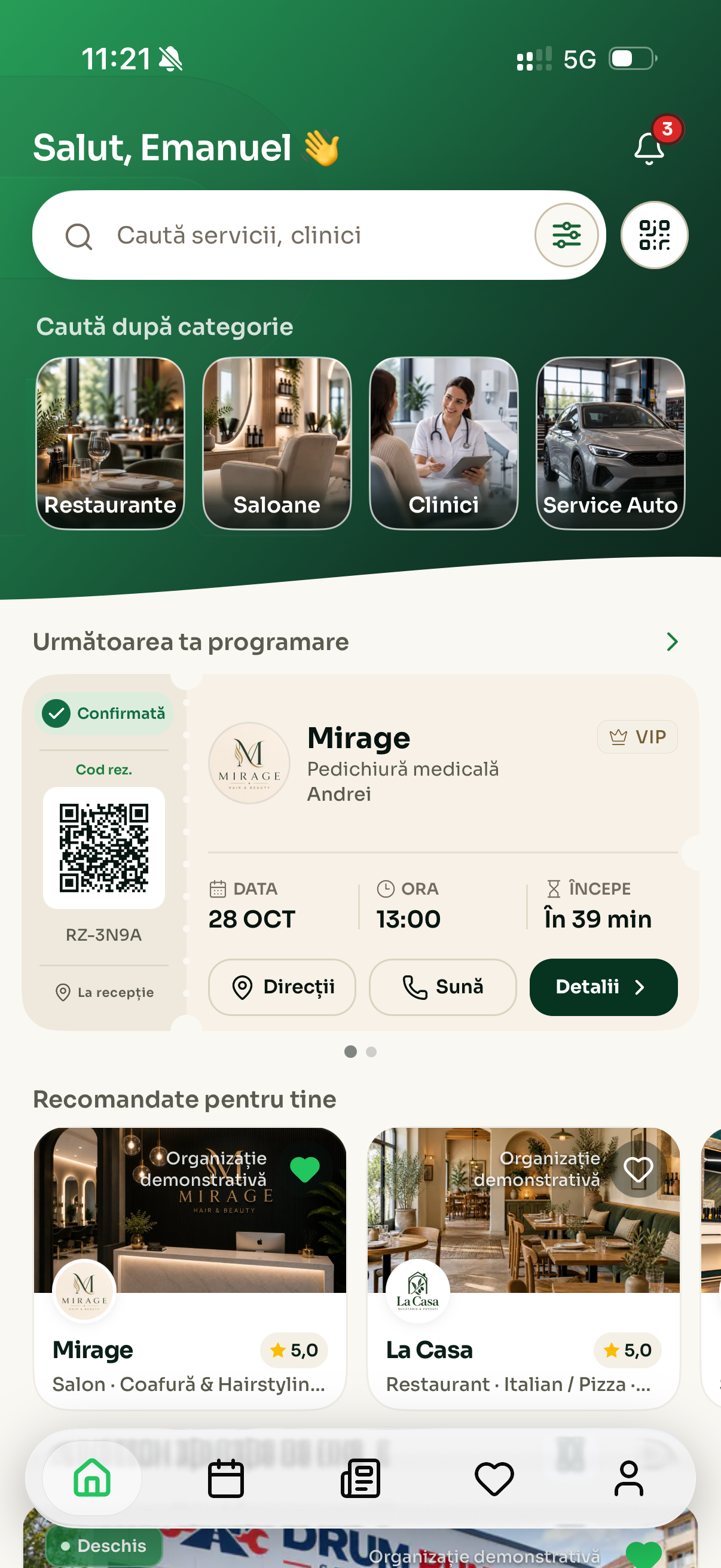
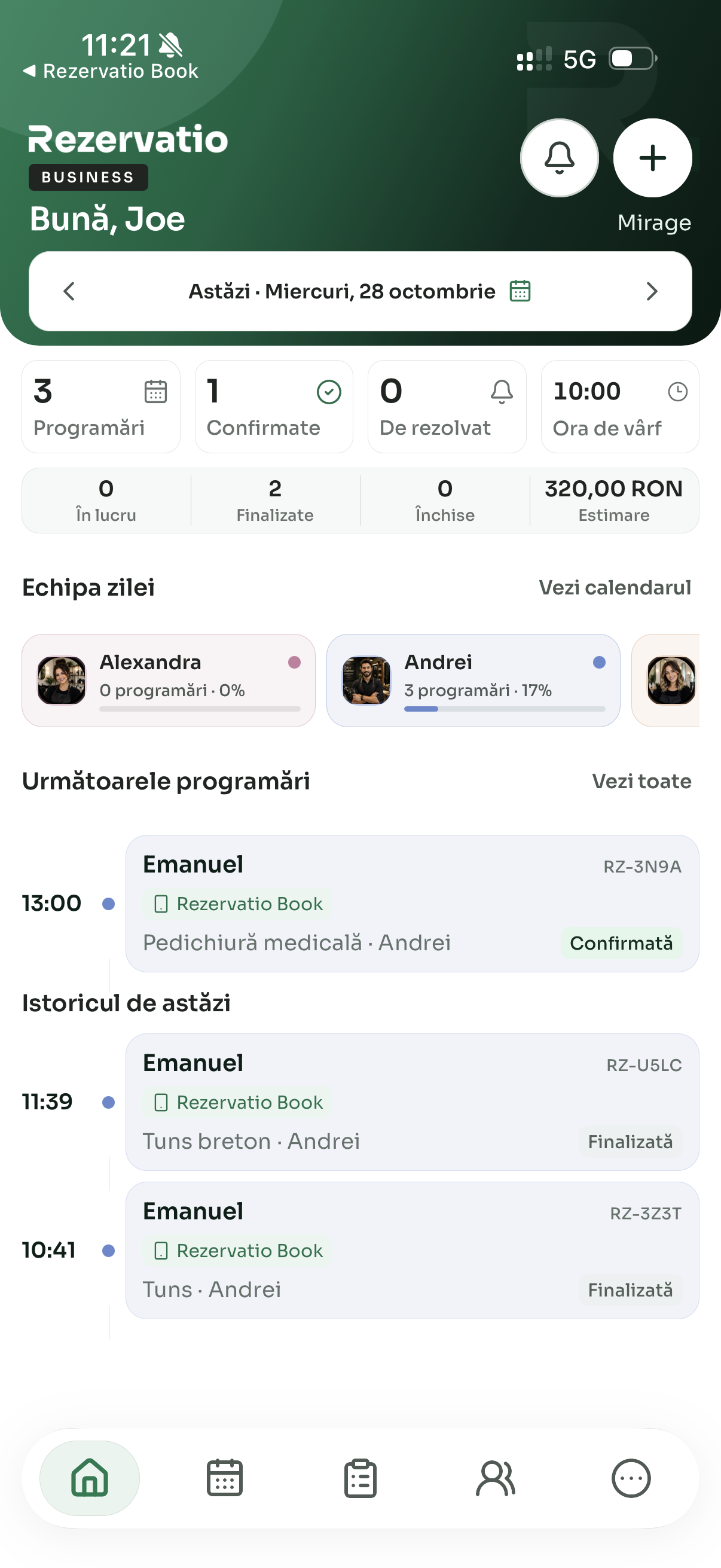
Coming soon to App Store and Google Play
From the first booking to welcoming your customer, see the whole day in Rezervatio Business.
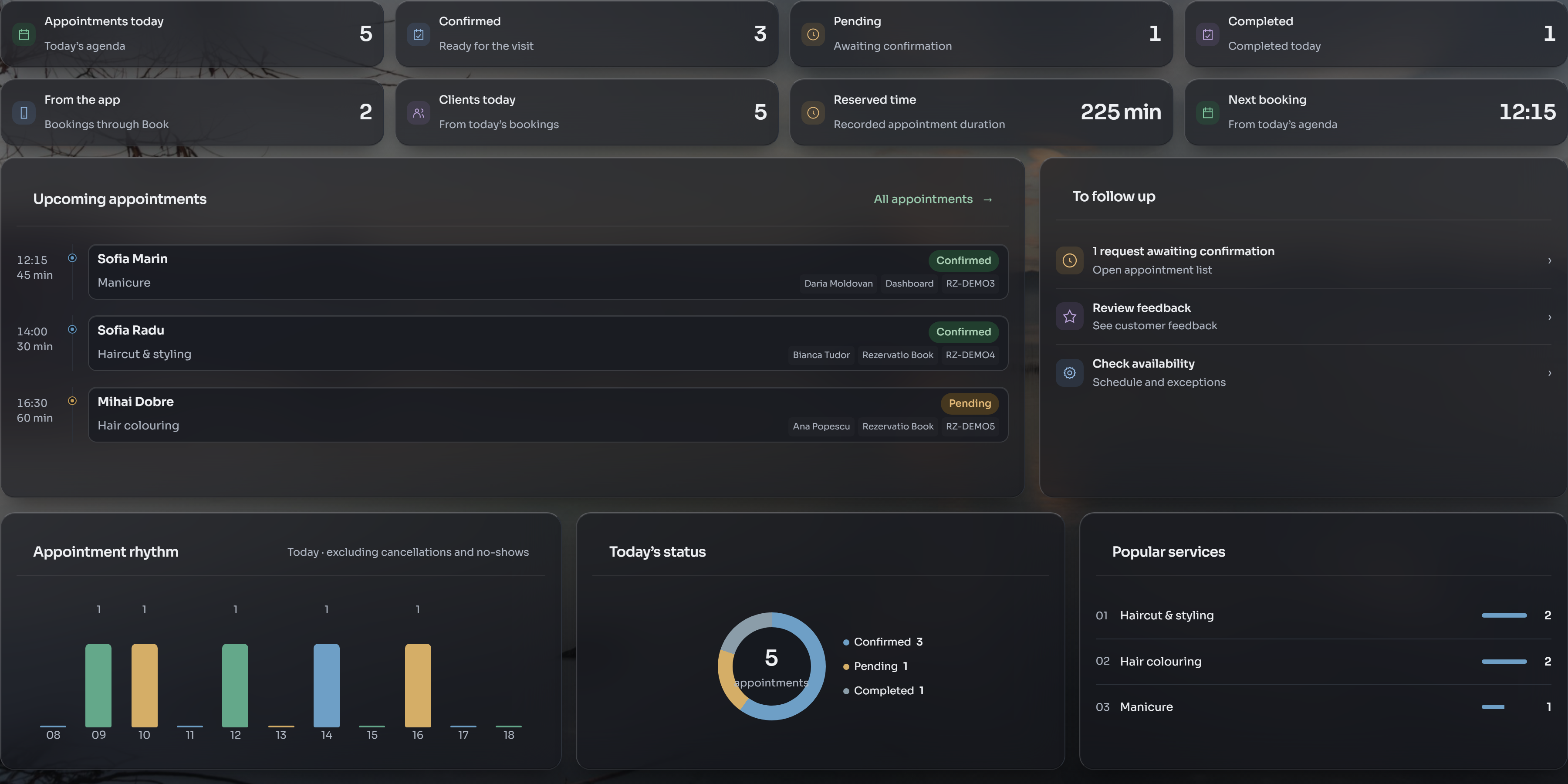
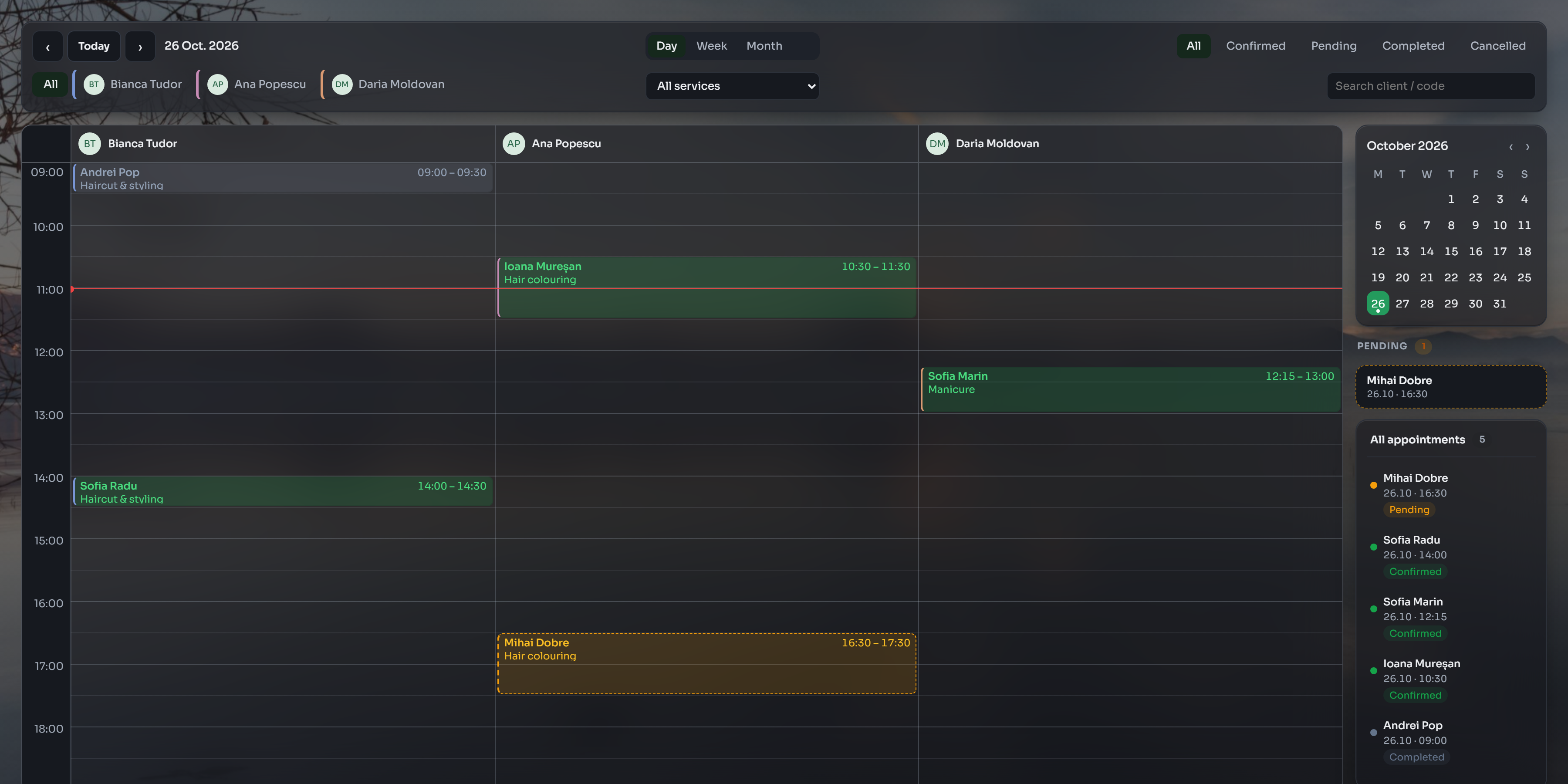
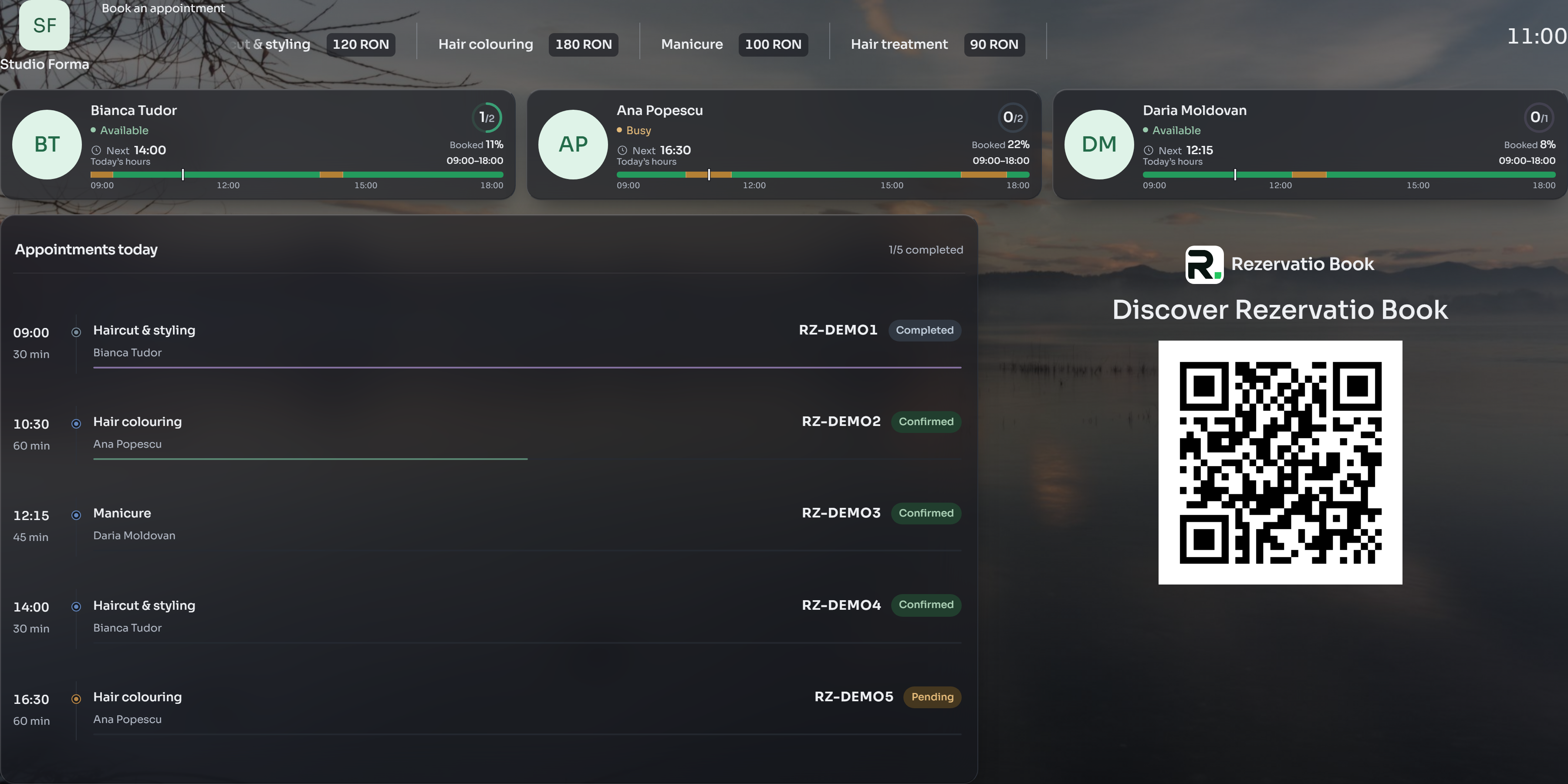
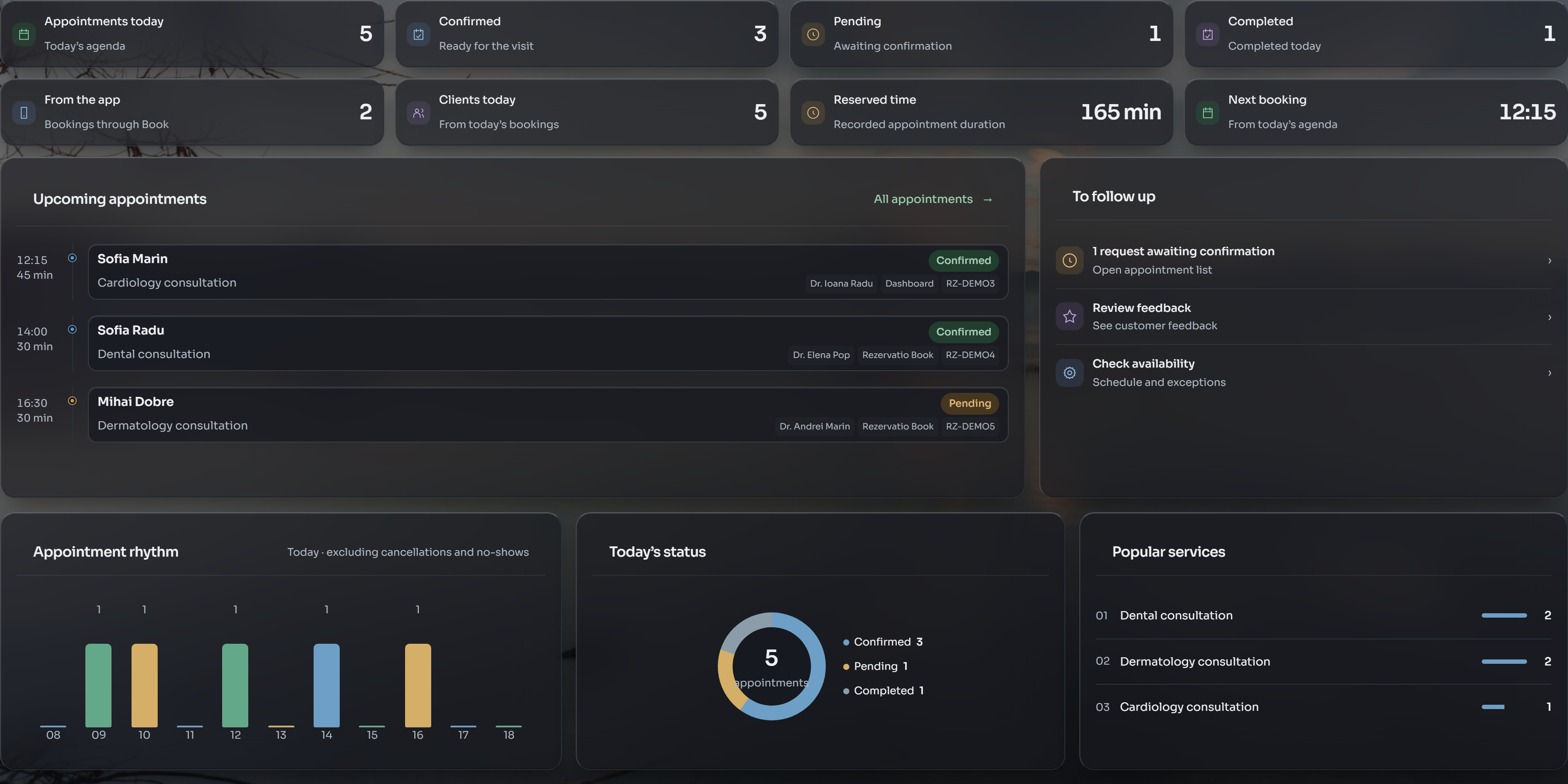
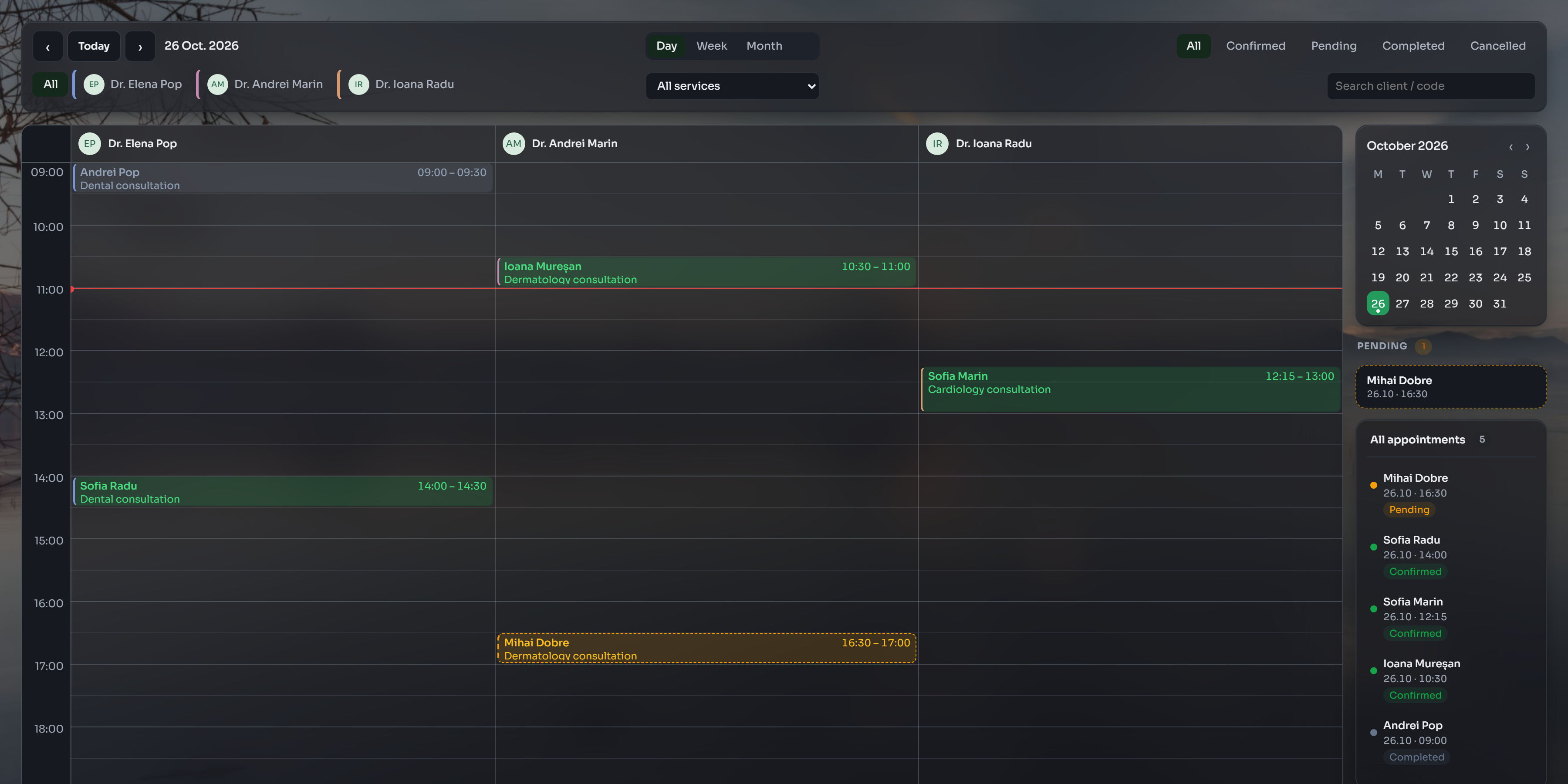
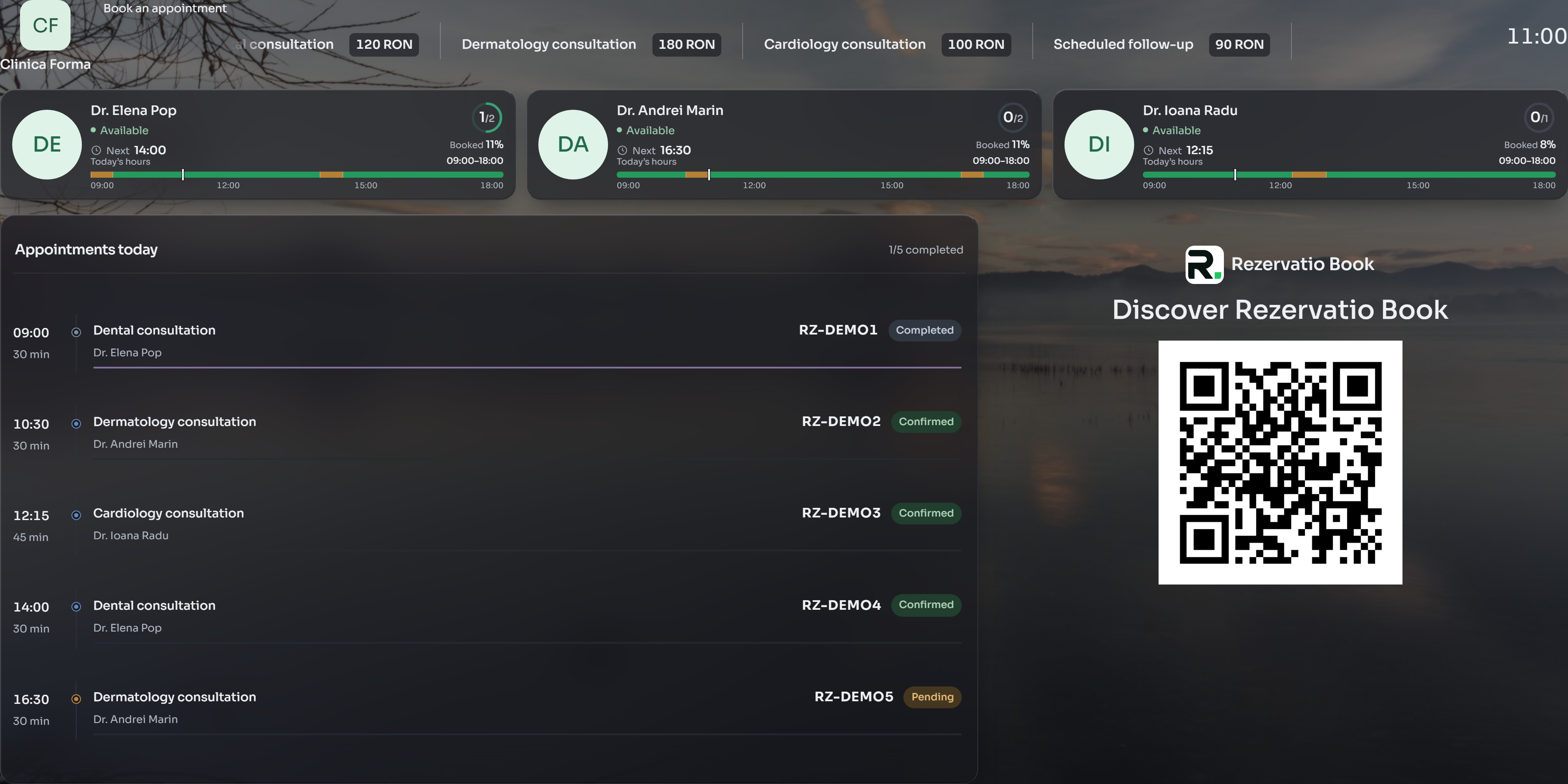
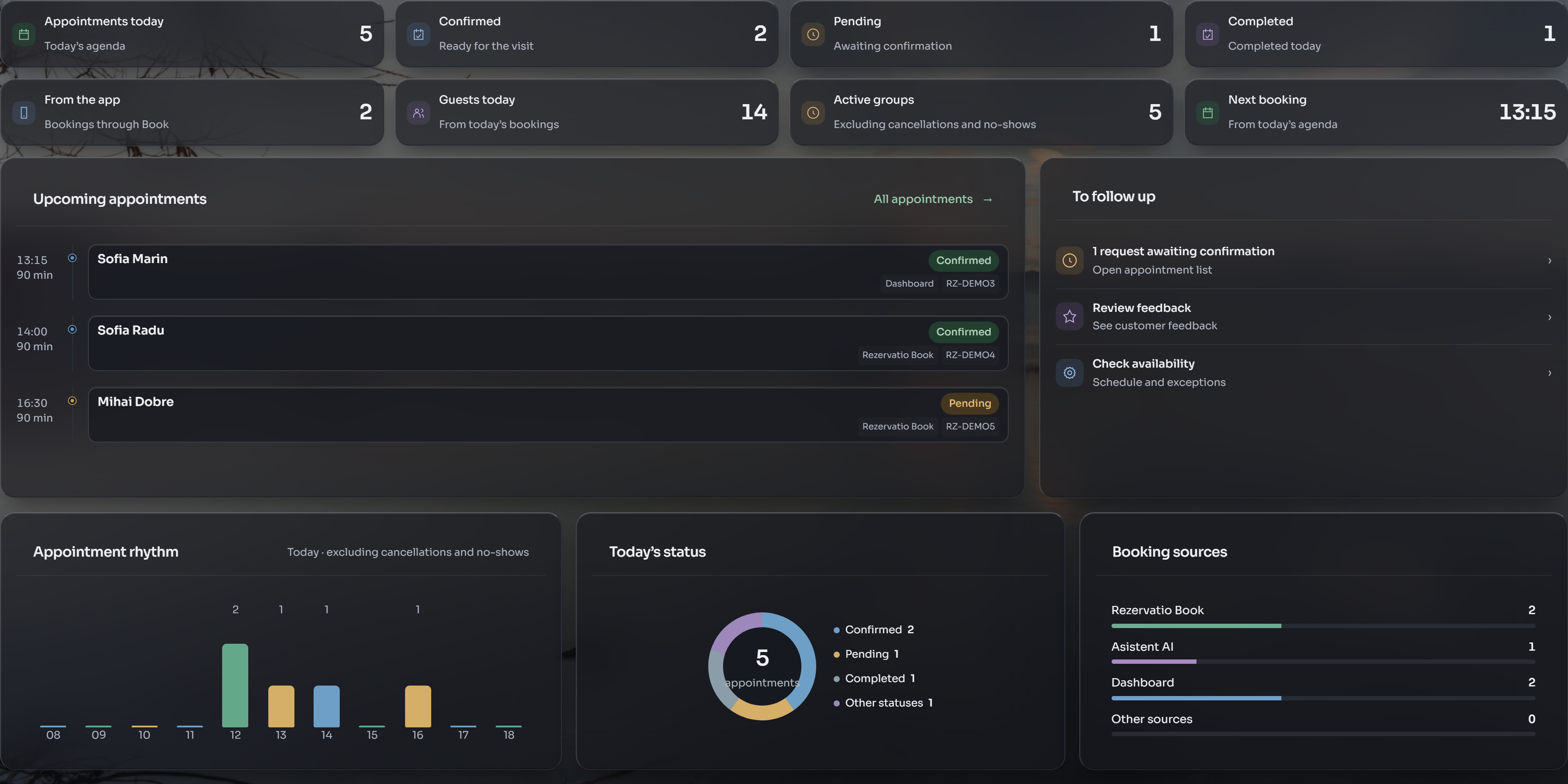
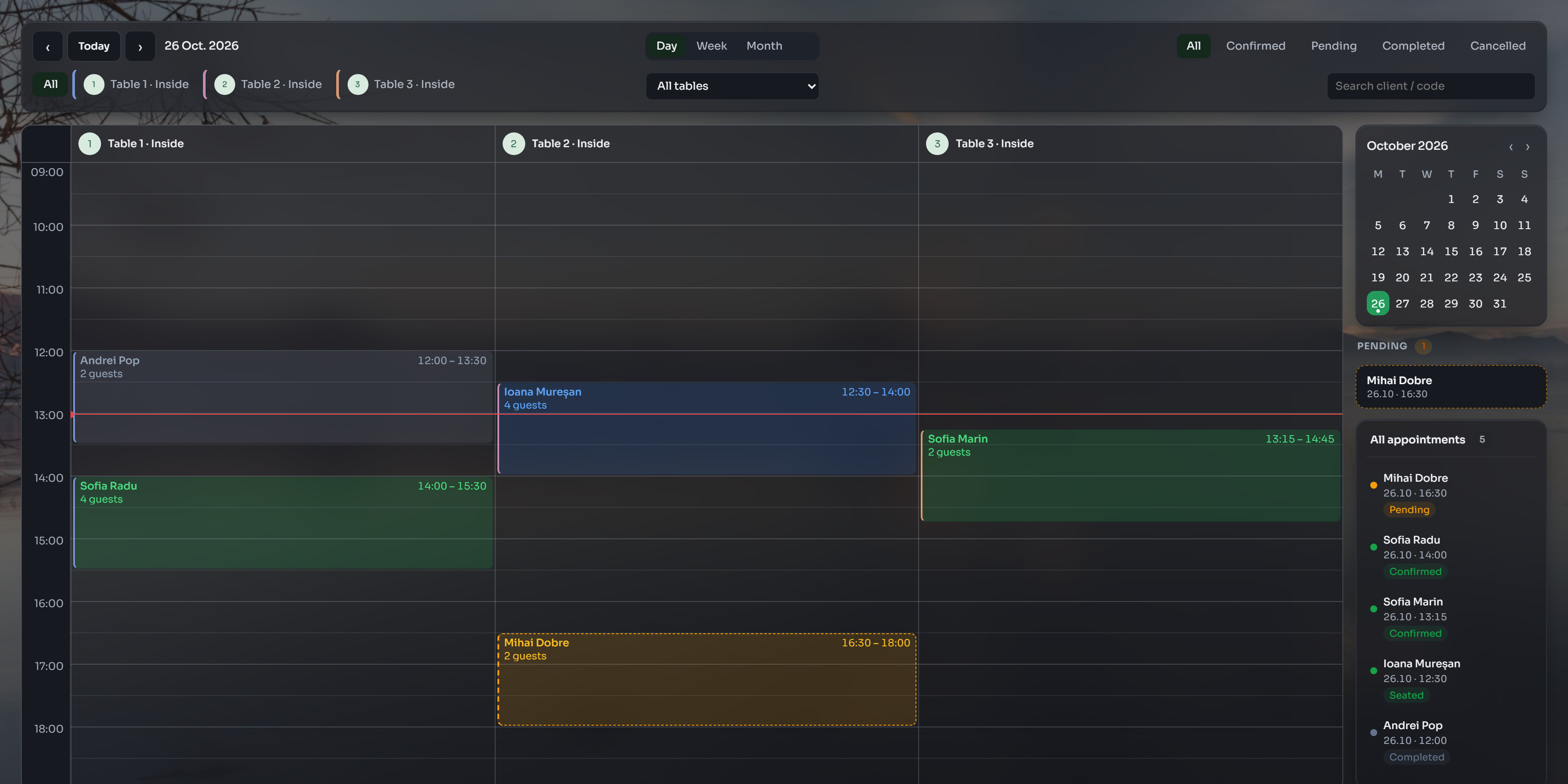
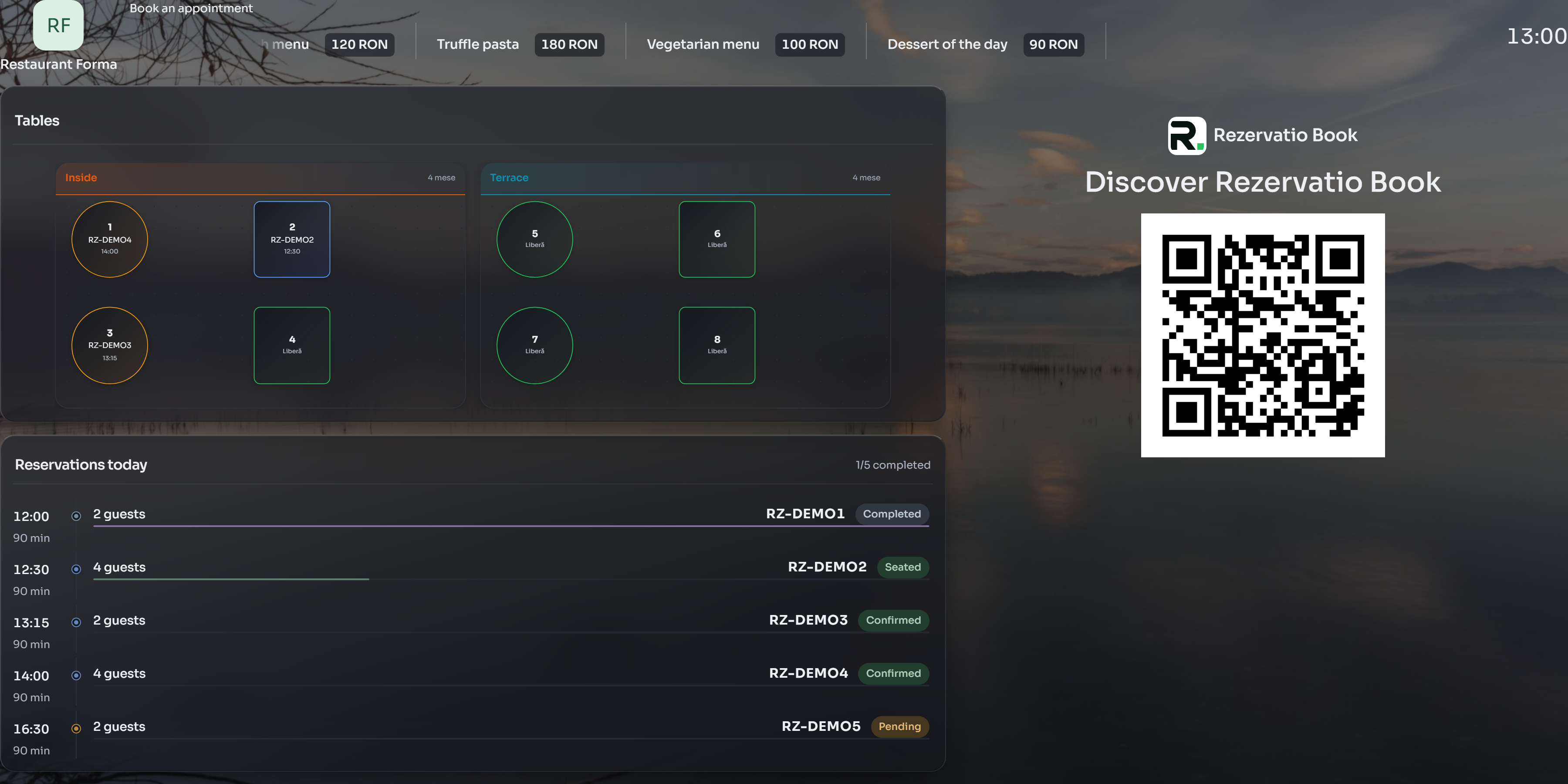
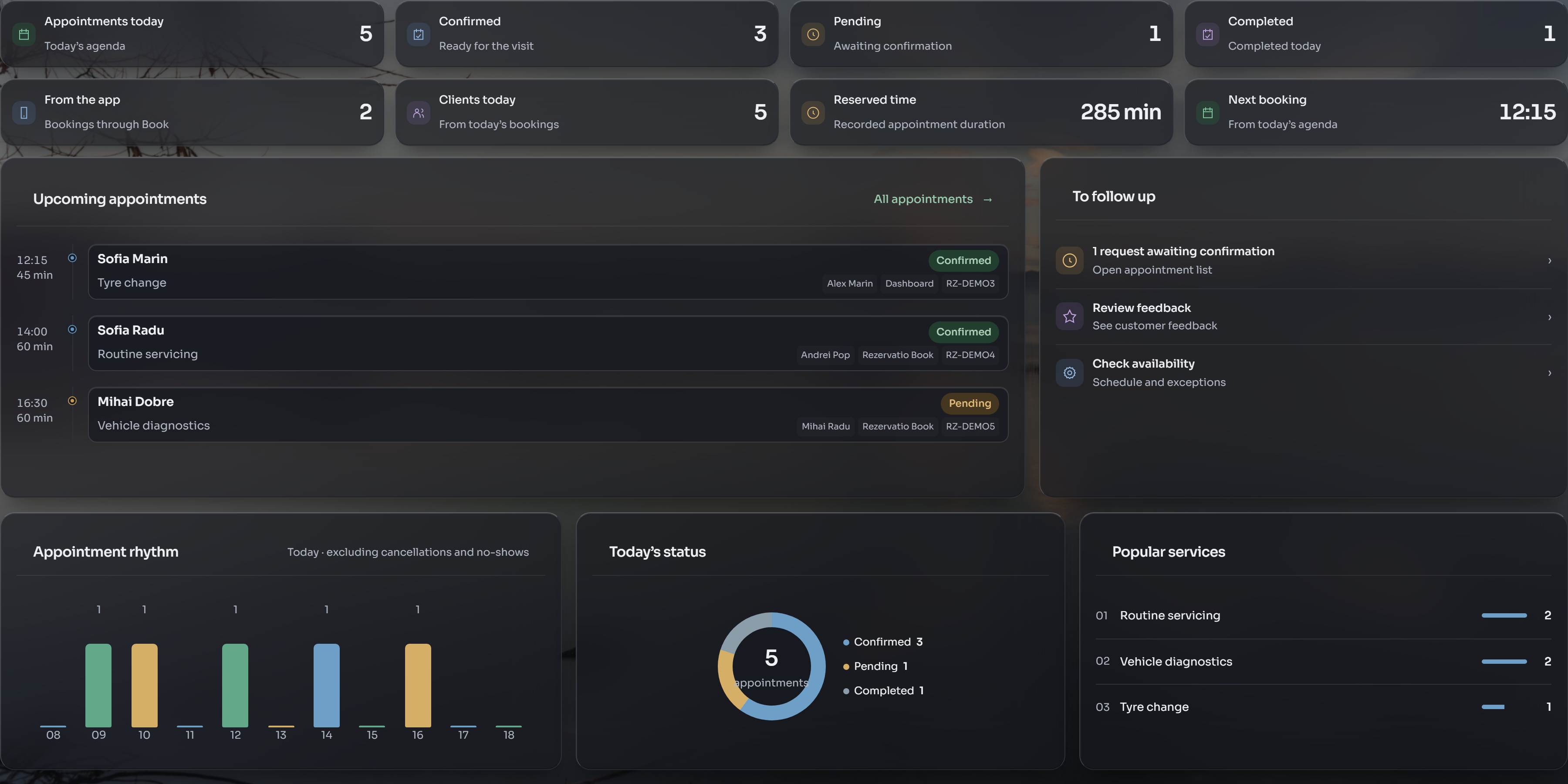
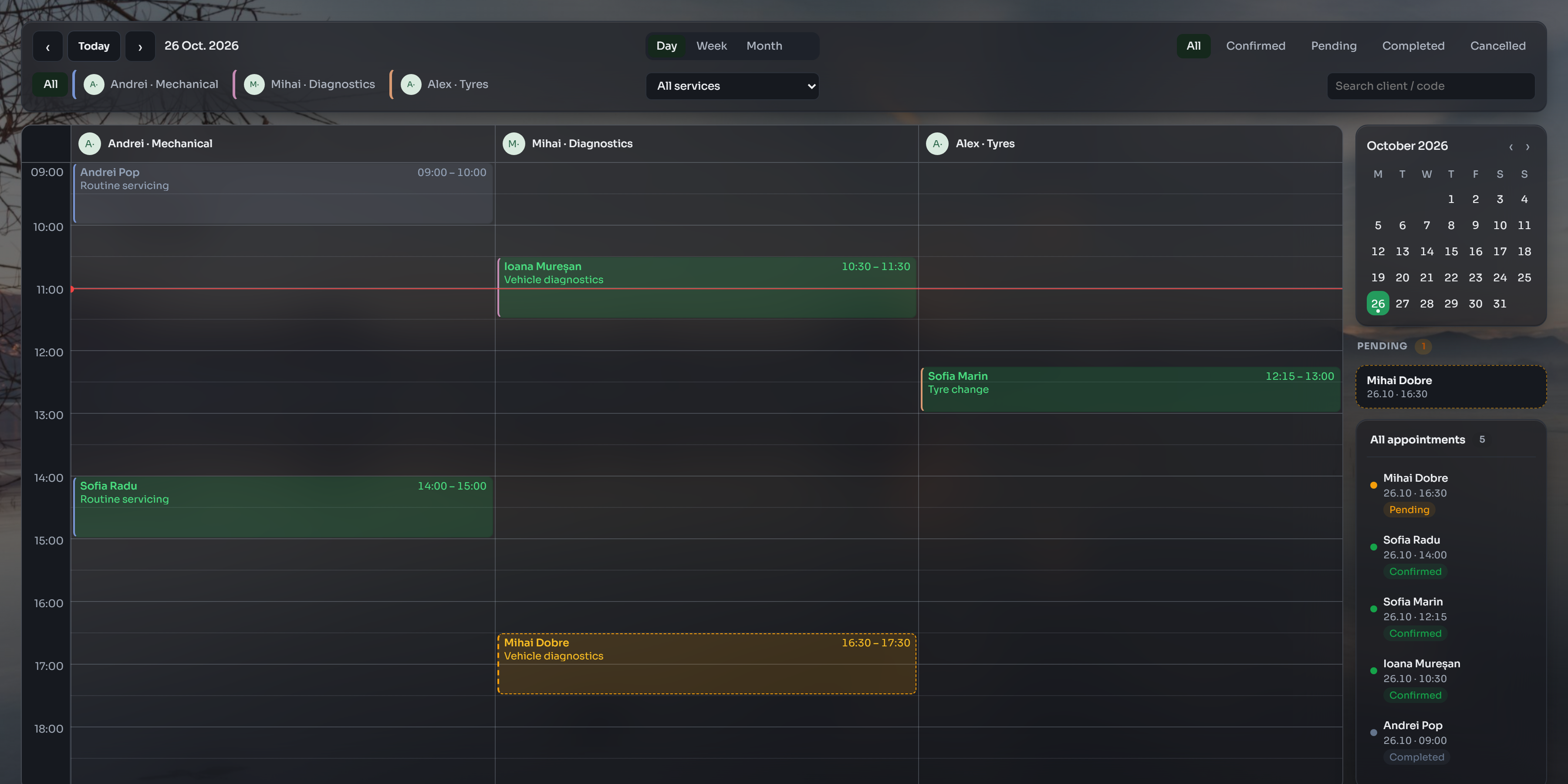
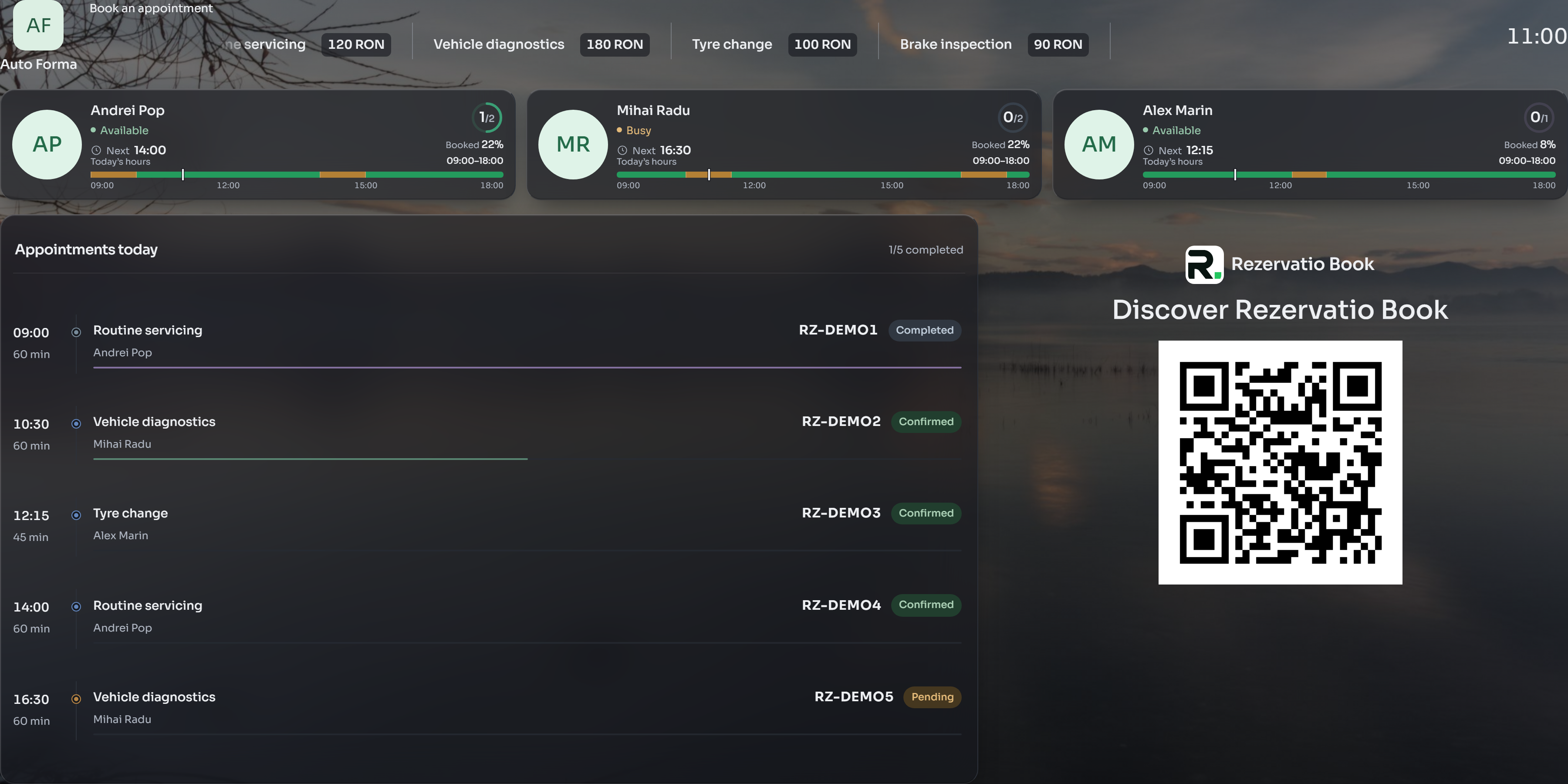
At reception on desktop. With your team on mobile. The same data.
You choose how Book reservations are confirmed.
Invite colleagues to Business. Each person gets access suited to their role and responsibilities.
Available actions depend on the permissions granted and the type of business.
Update your catalogue. Configuration fits your industry: specialists for services, tables and areas for restaurants.
Customer history and conversations in Business. Use Messenger to stay in touch without losing the link to the booking.
In-app notifications and SMS keep customers informed, according to your business settings and channel rules.
Marketplace, calendar and customer communication, connected in one platform.
Your marketplace profile shows services, professionals, opening hours, offers and prices. Customers choose and book directly.
See bookings in one calendar and update services, your team and availability.
In-platform messaging, SMS and email notifications. An optional AI assistant can handle telephone bookings, depending on your plan and configuration.
Book helps people discover you. Business keeps you organised. Everything stays connected.
Publish from Business. Your posts appear in the Rezervatio Book feed, where customers discover and interact with them.
New posts also appear in stories, for up to 24 hours. The green ring around your profile makes them easy to spot.
Services and packages at special prices.
A launch, a workshop or an open day.
New services, special hours or business news.
The customer taps the green ring, views the story and opens the post. If the offer supports booking, they can continue to make an appointment.
A story stays active for up to 24 hours after the post becomes visible, or until it expires if that happens sooner.
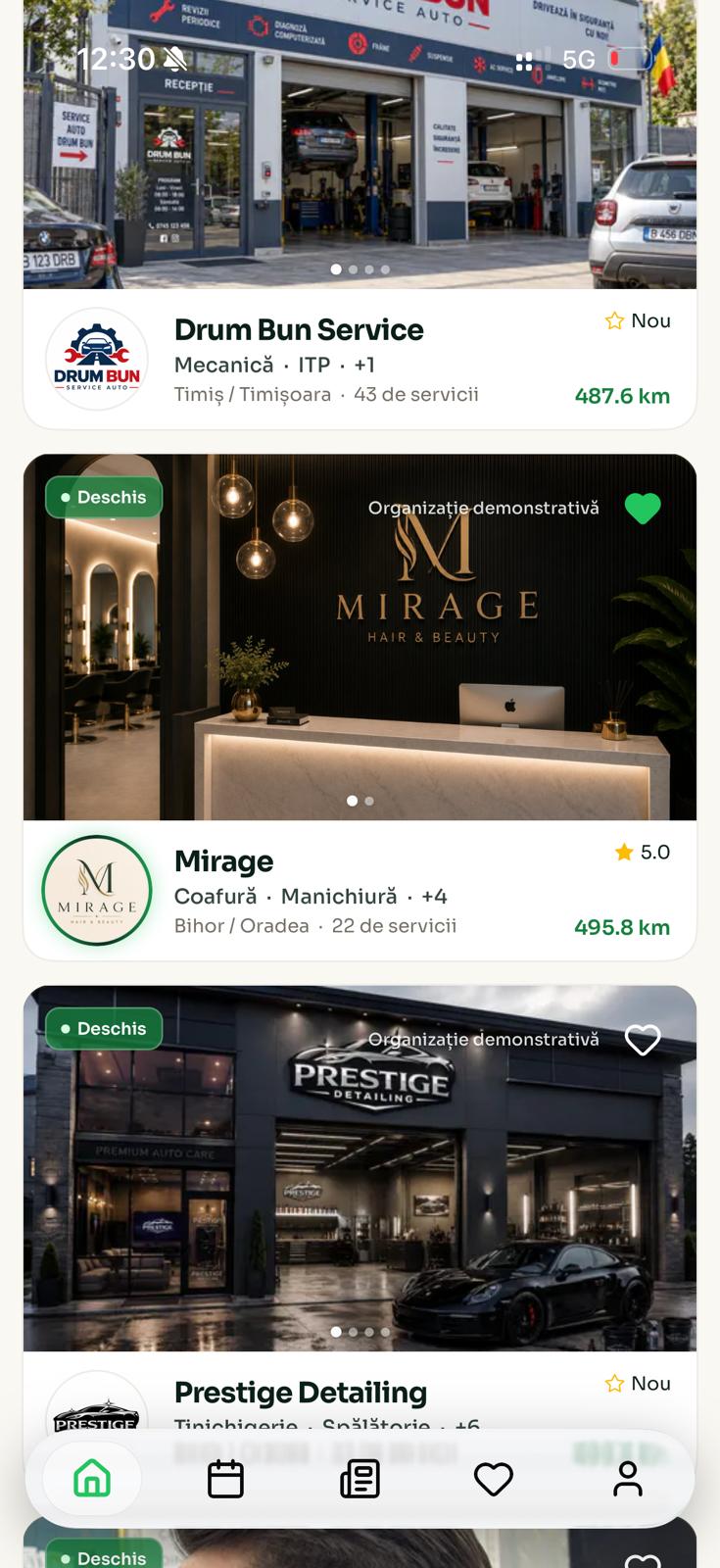
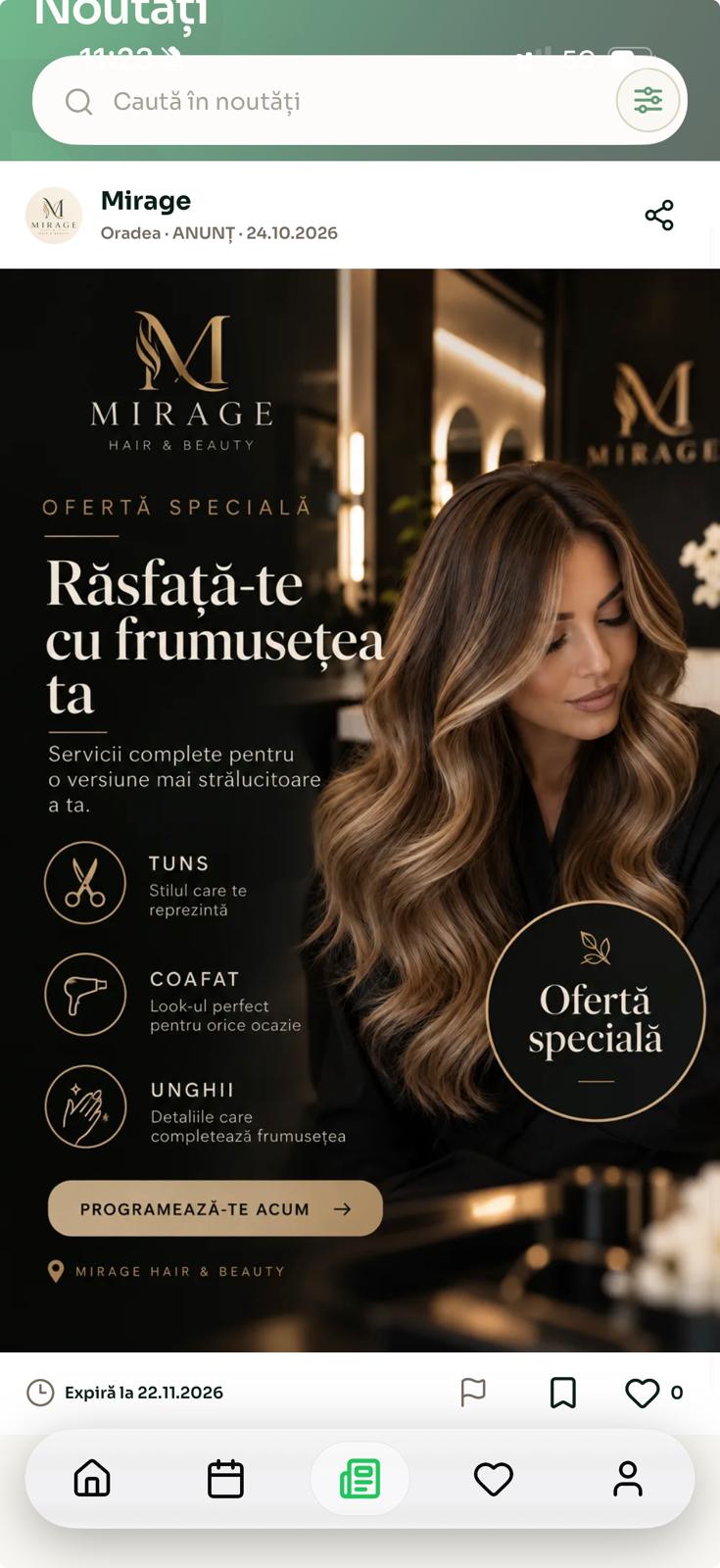
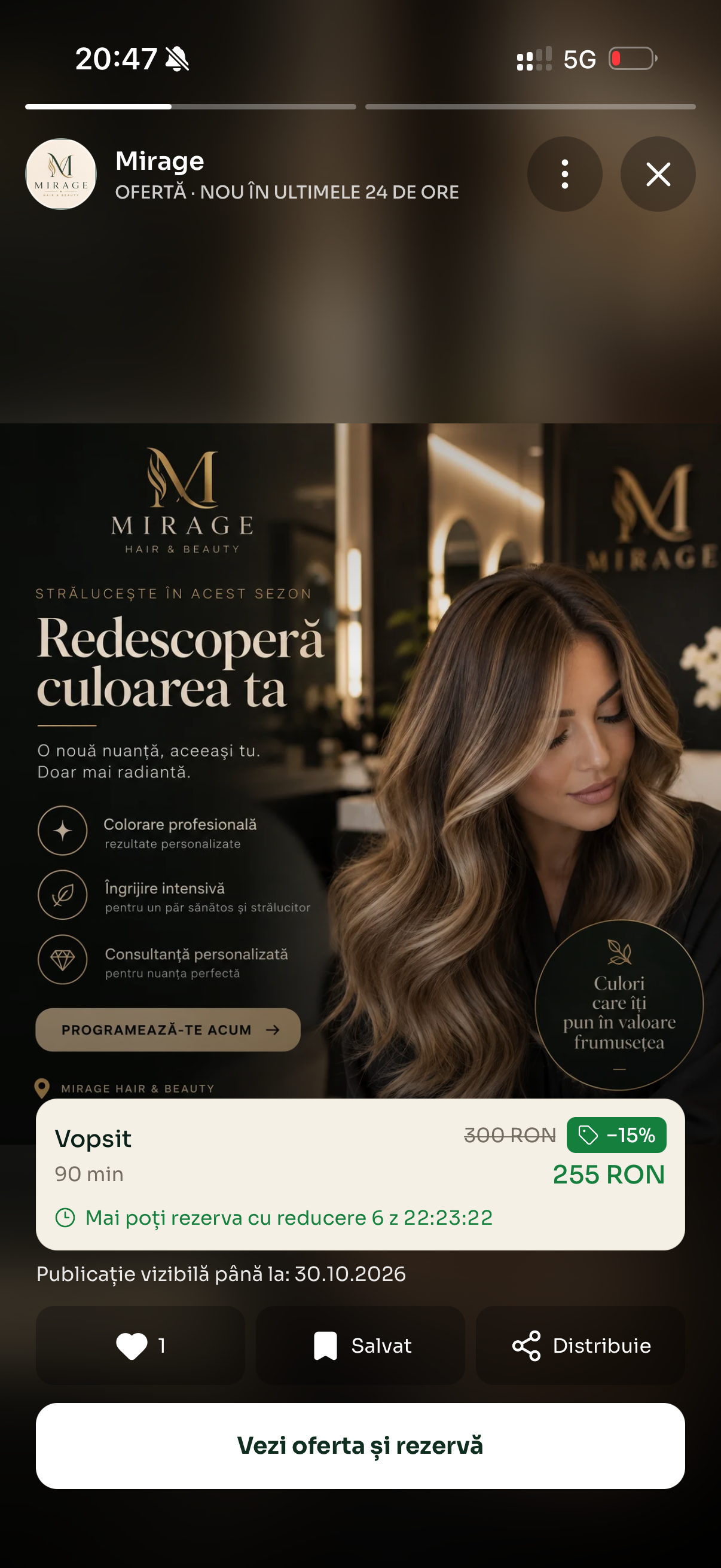
Examples from Book · demonstration business.
One code opens the business profile. The other identifies the booking.
Each business has a unique link, also available as a QR code. Display it at reception, on a table or in your materials.
Customers scan it in Book to open your profile, see services and book.
Each booking has its own QR code, which the customer shows in Book. Staff scan it in Business to open the appointment.
Find the right booking quickly at reception, without searching manually by name or time.
Booking details are available only to authorised staff. The booking code can also be entered manually.
Verify your email. Enter your Romanian tax ID (CUI), business name, contact details and password.
Add services, prices, durations and working hours. Configure your specialists or tables.
Enable visibility in Book. Customers book, and you see their appointments in Business.
SMS and the AI assistant are available depending on your plan and configuration.
Security and privacy
Sign-in protection, separation between organisations and role-based permissions.
Connections to the website and API are encrypted to protect data during transmission.
Access to internal data is checked against your organisation and permissions.
Owners, managers and staff have different permissions. The server checks what each person may access or change.
The primary infrastructure is hosted by Hetzner in Germany. Administrative access is restricted.
We use specialist providers for SMS, email, notifications and AI voice, depending on the services enabled. Data needed for those features is also processed by the disclosed providers.
In Book, potential customers find your business by category and location. They see services, professionals, opening hours, offers and prices, then book.
Add your services and working hours. Discover the rest as you work.
No card required to sign up.
Book helps customers discover businesses and book. Business gives you a calendar, team management and working tools on mobile and desktop. If enabled, the AI assistant can also handle telephone bookings.
Customers search by category and location. Your profile shows services, prices, professionals, opening hours and published updates, so they can choose and book.
No. Customers can use Book to discover businesses and make bookings without a separate subscription. Each business sets the prices of its services.
Create your business account, add services, prices, durations and working hours, then set up your team. These details determine booking availability. Create account.
Yes. Choose automatic or manual confirmation. With manual confirmation, requests wait for your response; automatic confirmation follows your configured availability rules.
Yes. Invite your team to Business and assign role-appropriate access. Depending on their permissions, colleagues can manage or transfer bookings, publish updates, request leave and block unavailable times.
Set your team's working hours and block times when bookings cannot be taken. Leave requests and calendar actions depend on each colleague's role.
Publish announcements, offers and events. Posts appear in the Book feed and stay active in stories for 24 hours, making your business updates easy to spot.
Your business QR code opens its Book profile. A booking's QR code helps authorised reception staff find the appointment without searching by name. The booking code can also be entered manually.
No. You can use Rezervatio Business without a voice assistant. AI is a separate option with its own activation conditions and included minutes. View plans.
You can keep the number customers know. We help you set up forwarding to the assistant; options and any charges depend on your telephone provider.
Yes, through conditional call forwarding supported by your provider. Your team answers first and the assistant takes over after the configured interval. We also check options for busy lines or unavailable phones.
From Rezervatio Business: services, prices, working hours and calendar availability. We configure and test your business scenario before activation. How we implement the assistant.
Tell us which system you use. We check integration options before setup; connections to external applications are not automatic. Talk to our team.
Enter your mobile number, request the SMS code and confirm it in the form. The AI assistant then calls you for a demonstration. Testing does not automatically set up an assistant for your business or start a subscription. Try the demo.
Yes. Through the Founding Business programme, our team contacts you to guide you through setting up your business, services and schedule. View the programme and join.